Still taking shape
Some interactions may change, and you may run into rough edges. Your specific feedback helps us decide what to fix.
Join the beta
Leafhour is in beta. Bring a book you want to spend time with, try reading, listening and asking questions, and tell us what could work better.
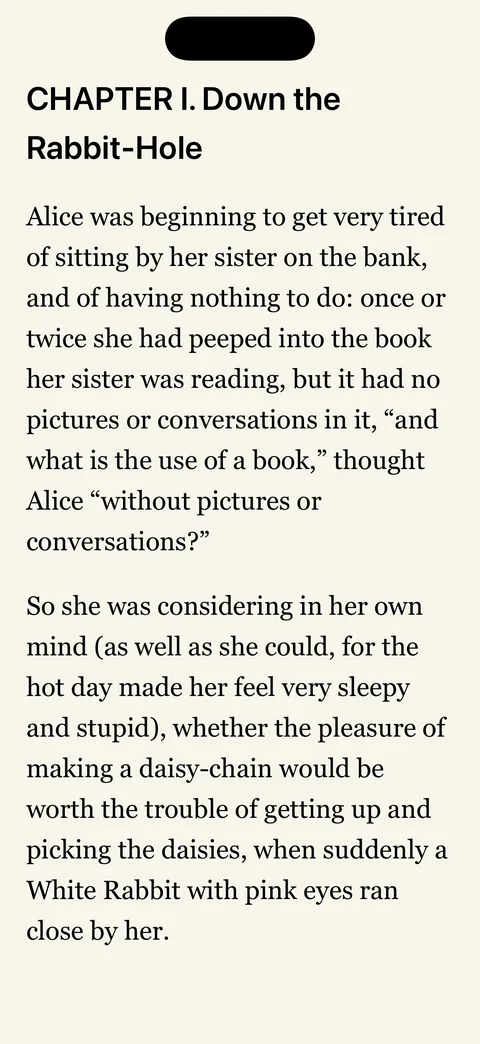
A reading room to carry with you. Read, listen sentence by sentence, compare translations and ask about the passage in front of you.
iOS 17 or later · Beta version
Web
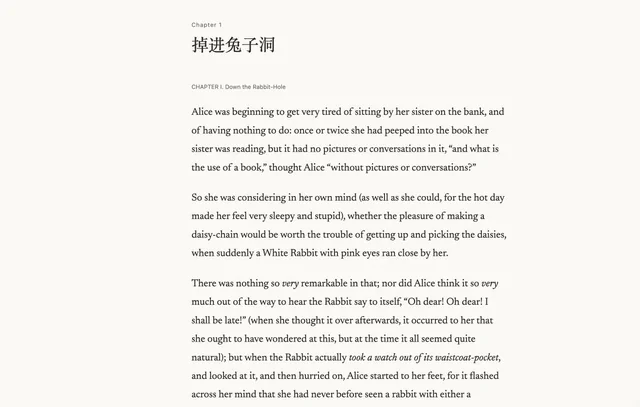
Open a sample in your browser. Compare the original and translation, then continue into your own reading room when you are ready.
No account needed for sample reading.
Some interactions may change, and you may run into rough edges. Your specific feedback helps us decide what to fix.
During beta, reading and AI features are free, with no usage quota or point deductions. We record usage to improve the service.
Web and iPhone can use the same Leafhour account. Device-local books stay on your device unless you choose to upload them.
Something getting in the way of reading? We would like to hear about it.
Feedback goes to our support email. No community account or public issue required.